iPhone・iPad・Android の縦書き小説エディタ

縦書きのまま打つ。
ルビも枚数も、その場で見える。

小説・原稿を縦書きで書くエディタです。打つそばから縦に組み、ルビ・傍点も投稿サイトと同じ書き方のまま、その場で字の横に乗ります。いつでも400字詰めの原稿用紙で何枚かが分かり、公募用の原稿用紙の PDF と、投稿サイトにそのまま貼れるテキストで書き出せます。広告もアカウントもありません。

App Store・Google Play で配信予定

買い切りで全部の機能が使えます。アプリ内課金・サブスクリプション・広告はありません。
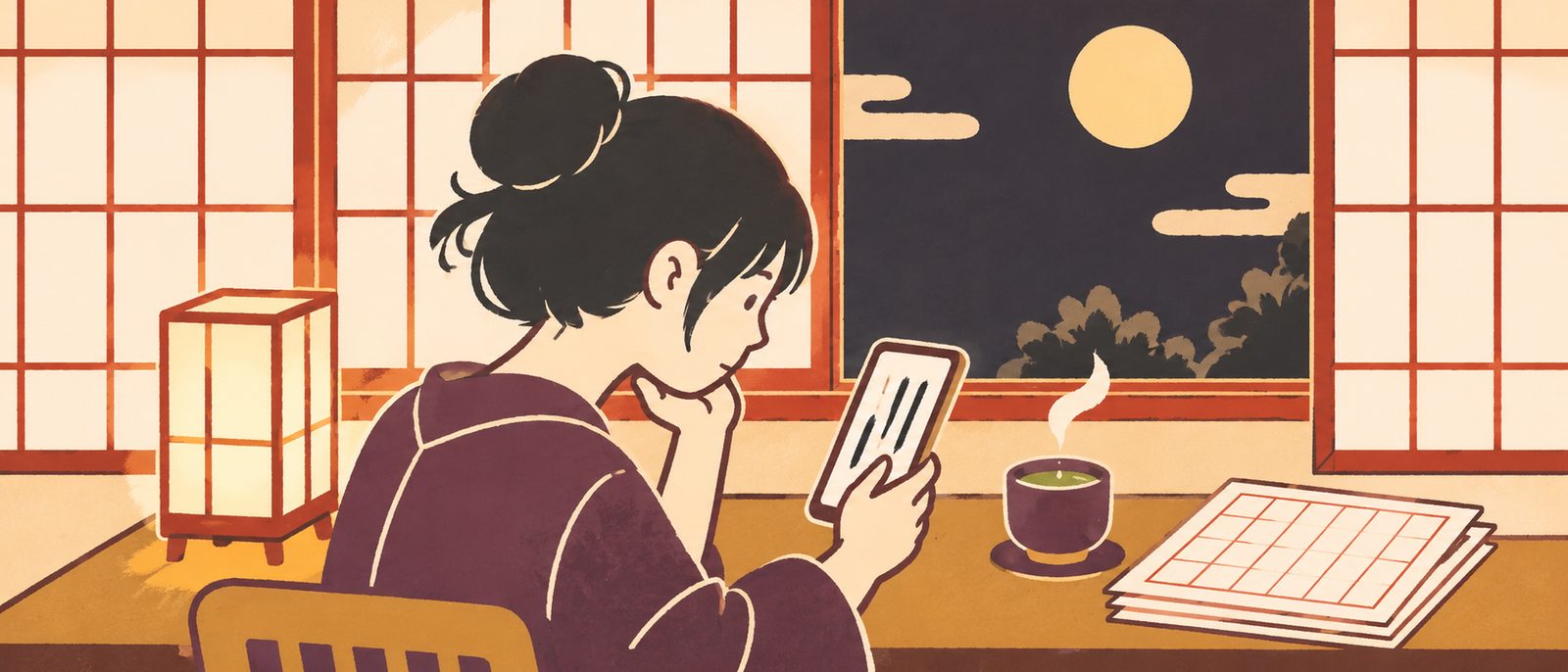
月の見える和室で、縦書きの原稿をスマートフォンで書いている人と、机の上の原稿用紙のイラスト

こんな困りごとのために

横書きだと、縦の原稿の見え方が分からない

縦書きのまま打てます。変換中の字も縦に並び、2けたの数字(12・!?)は自動で縦中横になります。横書きにも切りかえられます。

ルビや傍点が、書いているときに見えない

「|親字《るび》」「《《傍点》》」と投稿サイトと同じ書き方で打つと、その場で字の横に乗ります。記号のままなので、貼っても崩れません。

原稿用紙で何枚になるか分からない

本文の字数と、400字詰め(20字×20行)で何枚かを、いつも下に出します。改行・行頭の句読点や閉じ括弧の追い込み・段落の字下げまで数えます。

公募に出す形に整えるのが手間

原稿用紙の PDF(A4 横・20字×20行・縦書き・ルビつき・作品名と通し番号)で書き出せます。読み返し用に、文庫のような縦組みの PDF も作れます。

書いた原稿が消えた

1字ごとに保存します。章ごとに版を残せて(手で残す+1日1回自動・30日)、毎日の控えも30日ぶん。消した作品と章はゴミ箱に30日あります。

iPhone と iPad で続きを書きたい

iCloud に入っていれば、作品・章・版を iPhone と iPad で同じにします。iCloud に入っていなくても、端末の中だけで使えます。

できること

書く縦書きのまま入力・横書きへの切りかえ・2けたの数字は縦中横・外付けキーボードの矢印(上下で字の前後・左右で行の前後)
ルビ・傍点|親字《るび》・漢字《かんじ》・《《傍点》》・キーボードの上の[ルビ][傍点]・1つだけのダッシュと三点リーダを知らせる
数える本文の字数(ルビの読みと記号は数えない)・400字詰めの枚数・目標の字数までの残り
作品と章章に分けて書く・ドラッグで並べかえ・登場人物・設定・プロットのメモ
消えない1字ごとに保存・章ごとの版(30日)・毎日の控え 30日・控えのファイル・ゴミ箱 30日
書き出しテキスト(.txt)・投稿サイト用にコピー・原稿用紙の PDF・文庫のような縦組みの PDF
見た目書体(明朝・ゴシック)・字の大きさ・行間・地の色(白・生成り・暗い)・広い画面では左に章の一覧・右に本文
データアカウントなし・通信は iCloud の同期だけ(Android 版は通信なし)・広告と解析なし

アプリに入っている見本の作品のうち「走れメロス」(太宰治)の冒頭は、青空文庫のテキストから収めたものです。使い方・プライバシーポリシー・利用規約もご覧ください。

A vertical Japanese writing editor for iPhone, iPad and Android

Type in vertical text.
See ruby and sheet counts as you go.

Shitatame is an editor for writing Japanese novels and manuscripts in vertical text (tategaki). Text is laid out vertically as you type, and ruby (reading aids) and emphasis dots appear beside the characters using the same plain-text marks Japanese fiction posting sites use. It always shows how many sheets of 400-character manuscript paper you have filled, and exports manuscript-paper PDFs for contests and plain text you can paste into posting sites. No ads, no account.

Coming to the App Store and Google Play

One purchase unlocks everything. No in-app purchases, subscriptions or ads.

Illustration of a person writing a vertical manuscript on a phone in a Japanese room with the moon outside, manuscript paper on the desk

Made for these problems

Horizontal text hides how the page will look

Type directly in vertical text; characters being converted run vertically too. Two-digit numbers (12, !?) are set upright automatically. Switch to horizontal text at any time.

Ruby and emphasis dots are invisible while writing

Type |base《reading》 or 《《text》》, the same marks posting sites use, and they appear beside the characters right away. The marks stay in the text, so pasting keeps them intact.

No idea how many manuscript sheets it fills

The character count and the number of 400-character sheets (20 x 20) are always shown. Line breaks, punctuation and closing brackets kept off the start of a line, and paragraph indents are all counted.

Formatting for contests takes time

Export a manuscript-paper PDF (A4 landscape, 20 x 20, vertical, with ruby, title and page numbers), or a vertical PDF laid out like a paperback for rereading.

Lost a draft

Every character is saved as you type. Keep versions of each chapter (by hand, plus one a day for 30 days), with daily backups for 30 days. Deleted works and chapters stay in Trash for 30 days.

Want to keep writing on iPad

Signed in to iCloud, your works, chapters and versions stay the same on iPhone and iPad. Without iCloud, everything works on the device alone.

What it does

WriteType vertically; switch to horizontal; two-digit numbers set upright; external keyboard arrows (up and down along a line, left and right between lines)
Ruby and emphasis dots|base《reading》; 漢字《かんじ》; 《《text》》; Ruby and Emphasis Dots above the keyboard; a single dash or ellipsis is pointed out
CountCharacters (readings and marks not counted); 400-character sheets; what is left to your goal
Works and chaptersSplit into chapters; reorder by dragging; notes on characters, setting and plot
Nothing gets lostSaved as you type; versions per chapter (30 days); daily backups for 30 days; backup file; Trash for 30 days
ExportPlain text (.txt); copy for posting sites; manuscript-paper PDF; paperback-style vertical PDF
LookMincho or Gothic; size; line spacing; paper (white, cream or dark); chapters on the left and text on the right on wide screens
DataNo account; the only network use is iCloud sync (none on Android); no ads or analytics

The writing itself is Japanese; the interface is in Japanese and English. The opening of "Run, Melos!" by Osamu Dazai in the app's samples comes from the text published by Aozora Bunko. See also Help, Privacy Policy and Terms of Use.